
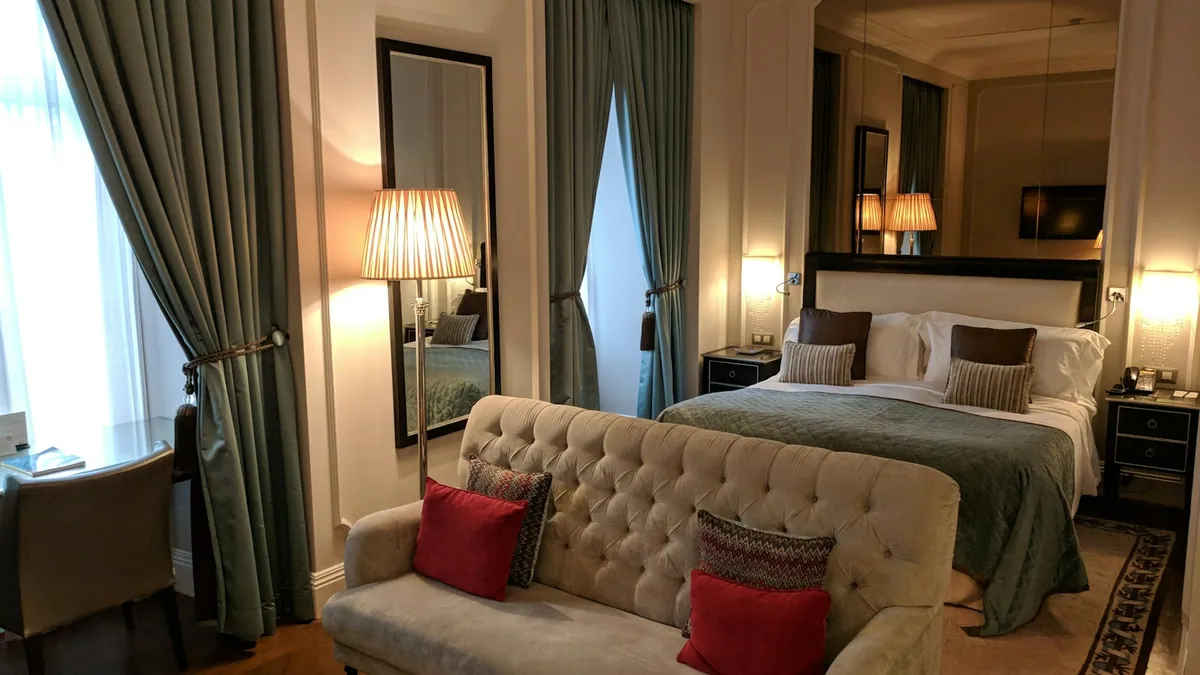
A small work area can help hotel guests use time between appointments, but it works only if the space supports the tasks people actually need to complete. A desk and Wi-Fi sign do not establish privacy, power access, comfort or a reliable place to take a call. Start with the intended use and the limits the property can consistently maintain. For the wider operating context, see hotel operations e asset optimisation e hotel owners.
A clear routine helps teams verify facts, explain limits and follow through on a request. The Feathers Hospitality approach liga a informação à execução.
Key points
- Define the tasks the area should support before designing it.
- Check connectivity, privacy, access and daily maintenance.
- Review use and feedback before committing more space.
Who is the space intended to serve?
Identify likely uses: checking email, joining a short call, completing paperwork or waiting between appointments. Ask front-desk and sales teams what guests request, and distinguish evidence from assumptions. A space designed for quiet individual work may not suit a group meeting or confidential conversation.
Set a clear capacity and suitable hours. Consider whether the area shares a route with reception, food service or events. A small pilot can show demand before the hotel commits to construction or permanently reallocates a guest space.
Which facilities are essential?
Check seating, table height, lighting, power, connectivity, temperature and access to water or restrooms. State which facilities are available and what the hotel does not provide, such as printing or private meeting rooms. Test Wi-Fi in the actual location at busy times.
The W3C accessibility guidance concerns digital content, but it is a useful reminder to make instructions and booking information usable by different people. Physical design and local accessibility requirements need separate review by competent professionals.
How can the hotel protect privacy and quiet?
Define where calls are appropriate, how screens are positioned and whether other guests can overhear conversations. Avoid labelling the area “private” unless it has the acoustic and visual separation needed for that claim. Provide a different location for sensitive discussions.
Explain that public Wi-Fi has limits and follow the property’s IT security practices. Do not invite guests to share passwords, guest lists or sensitive documents with staff. A clear use policy protects both visitors and the operation.
How should access work during a stay?
Tell guests where the area is, when it opens, whether a booking is required and who can help if equipment fails. Use directional signs that remain consistent from reception to the space. If the room is used for events at certain times, publish the change before the guest relies on it.
Check the route for steps, thresholds, door operation and circulation. Do not describe the space as accessible based on a photograph or a single feature. Confirm the characteristics against the property and make a contact available for questions.
Who maintains the area between uses?
Assign responsibility for cleaning, waste, furniture, cables, equipment and incident reporting. Include the room in routine checks and define how a faulty socket or unstable chair is taken out of use. Shared spaces need ownership even when no department considers them its main responsibility.
A facilities-management plan should connect service standards, maintenance and user needs. The UK Government’s FMS 001 is a public operational reference, not a legal standard for a private hotel in Portugal.
How can the hotel review whether it is useful?
Track use, time of day, common requests, faults and feedback without collecting more personal data than needed. Compare demand with the space’s operating cost and the effect on other uses. A quiet area may still be valuable if it solves a recurring need, but that should be visible in the review.
Ask guests and staff what interrupts work or makes the room difficult to find. Make one change at a time and check the effect. The best work area is the one the property can keep safe, clean and accurately described.
Frequently asked questions
Should the work area be bookable?
Only if demand or privacy needs justify a reservation system. A simple first-come arrangement may be easier, provided the hotel states capacity and hours.
Does free Wi-Fi make the space suitable for confidential work?
No. Explain the limits of a shared network and provide a more private location for sensitive calls or documents.